Customer Orders & Agents - Just fashion


Main menu:
Customer Orders & Agents


Sales Management: Customers, Agents, Show Rooms |
|
The complexity and dynamism of the commercial structures today in the market have allowed us to analyze and develop a flexible system customizable to all the demands of the business. Just fashion fully solves all the problems related to the management of the sales network, customers, the acquisition of the customer, invoicing and post-sale. Supports the sale from showrooms, agents and sub-agents, distribution companies, collection orders, replenishment and available. Each subject is inserted in a hierarchical manner in the system and becomes part of the company's business processes interacting online. |
|
Functionality |
|
|
Master data: Agents - subagents - Distributors |
|
Commercial Conditions for Season, Line, Channel, Event, Distributor, Agent |
|
Customers Budget Management |
|
Delivery periods, date of availability of the products |
|
Sales list for season, Line, Channel, Event |
|
Catalog with images |
|
Collection Orders, Available, replenishment |
|
Customer Offers / Order confirmations |
|
Reservations, picking lists, shipping |
|
Invoicing |
|
Business Intelligence with reports (pdf - Excel) |
|
The post-sale provides the management of returned goods, exchange and credit notes. |

Customers Master Data |
|
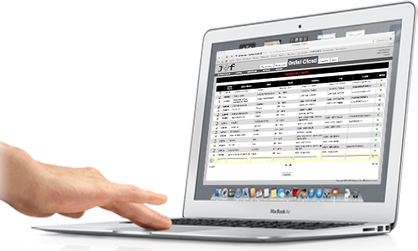
Access to the customers informations in real time: addresses, destinations, payments, commercial conditions, price lists, orders and invoices history. |
|
Agents & Sub-Agents |
| Manage the sale network online without any data syncronization. The dynamic structure of "Just fashion" allow to create hierarchical permissions: Customer service, show-rooms, distributors, agents and sub agents. "Just fashion" allow the users to see only the enabled informations for them. |

Sale Budget |
|
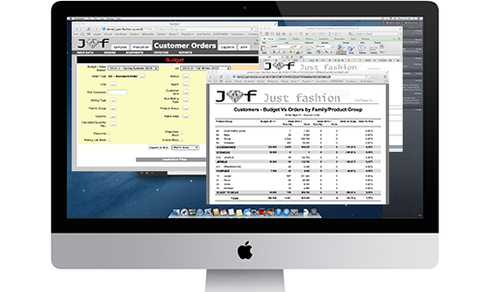
For each customer is possible to manage the sales budget for each season, line, product family, area. An integrated business intelligence tool include smart reports between budget, actual sales and previous season sales for every data dimension in excel and pdf format.. |
|
Orders |
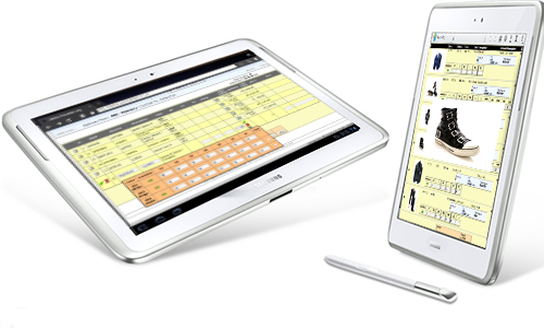
| Orders process is managed by a work flow where every subject (customer service, agents, show-rooms, etc) have a specific rule. Everybody is free to insert online, from any device, collection orders or orders from available products on stock. Copy orders between customers or destinations, add notes and use the catalogue and others smart functions to insert orders in very fast way. Every user can choose his default interface language. |
Order Proposal & Confirmation |
|
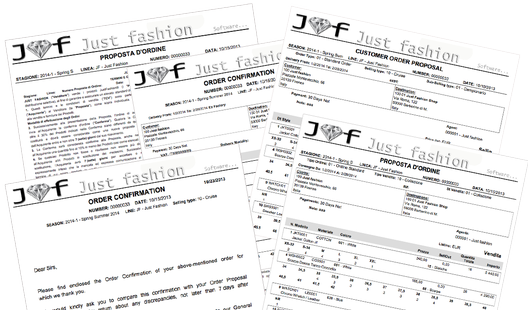
In every moment its possible to print the customer order proposal with the company conditions of sale, in pdf format. Users can also print different statistics reports of the order, grouped by the combinations of: style, materials, fabrics, colors variants, by sellin or sellout value. The customer service, after the validation of the orders, can print the order confirmation. Reports are multilanguage. |
|
Work Flow |
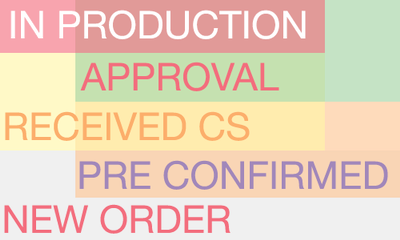
| Orders are managed by a work flow that allow to manage orders status from the first insert (New Order) to the maximum status "In production". For every fashion company statuses can be customized depending of the complexity of the sales network and to the customer orders approval process. |
Delivery & Invoicing |
|
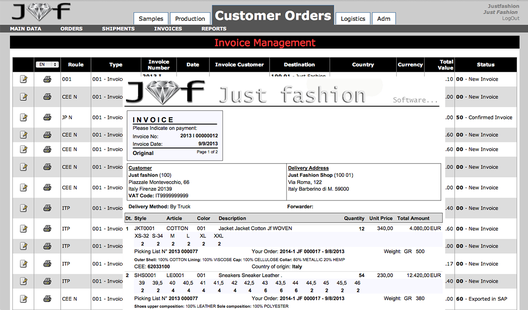
To be shipped and invoiced an confirmed order must be reserved on the warehouse or from the production order. The next step is the generation and print of the picking lists and the packing by reading the barcode or RFID. At the end of the packing process, the system will print box labels, packing list and invoice. |
|
Returns & Credit Notes |
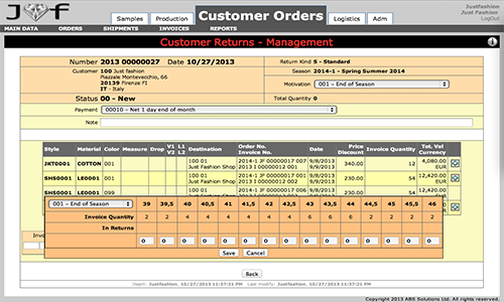
| The post-sale service provides the management of returned goods, exchange and credit notes. This process is managed by the returns function where, the customer service, must to insert the products to receive from the customers with the motivation of return. An internal work flow allow to receive the goods in stock and proceed, if it needed, to make the credit note in auto. |
Business Intelligence |
|
|
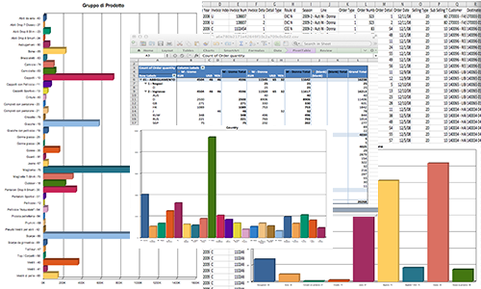
The business intelligence allow to print in pdf or export in excel: orders, invoices, bugets, comparisons between seasons, delivery situation by season, items, agent, date, selling type, product groups, country, continent and more. |